Back to Maintenance Manager for Education Main Menu
Approving a Work Order
As an Administrator and Technician can approve a work order reported by Guest.
To approve a Work Order:
-
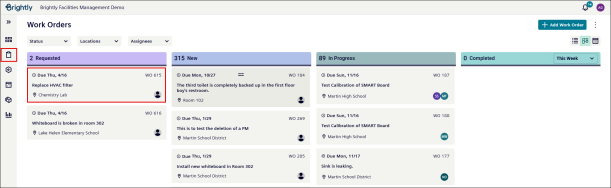
Navigate to the Work Orders icon.
-
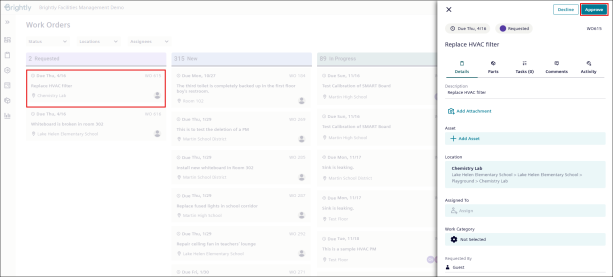
Select a Work Order from the Requested section or drag and drop it to the New section.
NOTE Guest requested work orders only appears in the Requested section.
-
Click the Approve button.
-
The Work Order appears in New Section.
NOTE Work Order gets approved directly when it is dragged into the New section.
NOTE There is no need to approve the requested Work Order if it is drag and drop into the New section; it gets approved automatically.